
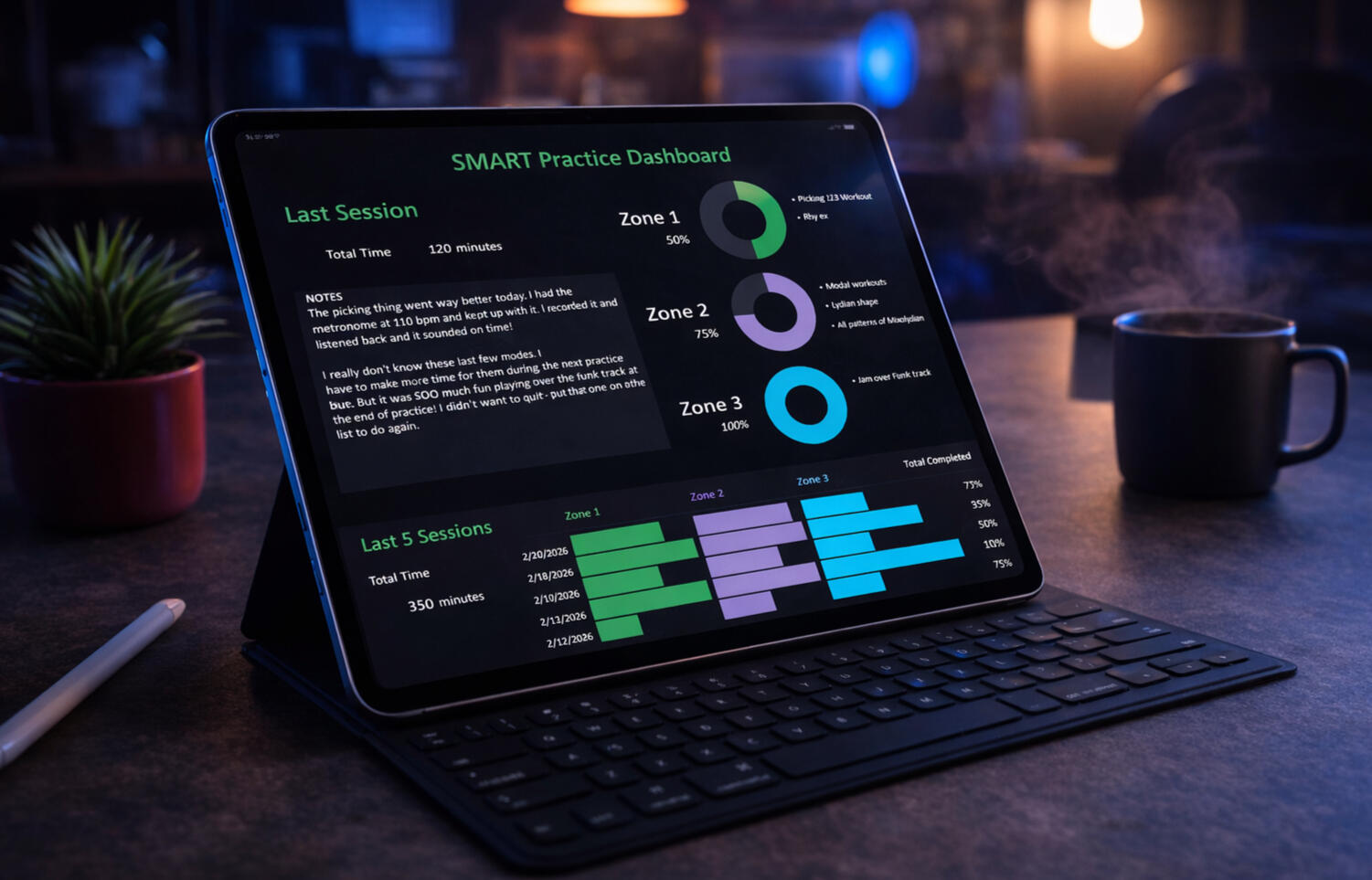
Get Better at Anything — Stop Wasting Time
A practical, step-by-step system that shows you what to work on next — plus a dashboard that tracks your sessions and progress.
Used by 22,000+ students on TrueFire · 5-star Amazon reviews
- Ready-to-use Dashboard + Tracker (Google Sheet)
- Goals and Schedule creator
- Log sessions fast - see recent sessions
- Everything in the Digital Practice System
- eBook PDF download
- Audiobook MP3 download
Watch the Digital SMART Practice System in Action
See how the dashboard, goals, Skillbox, schedule, and practice log work together to help you plan, track, and improve.
What You Get
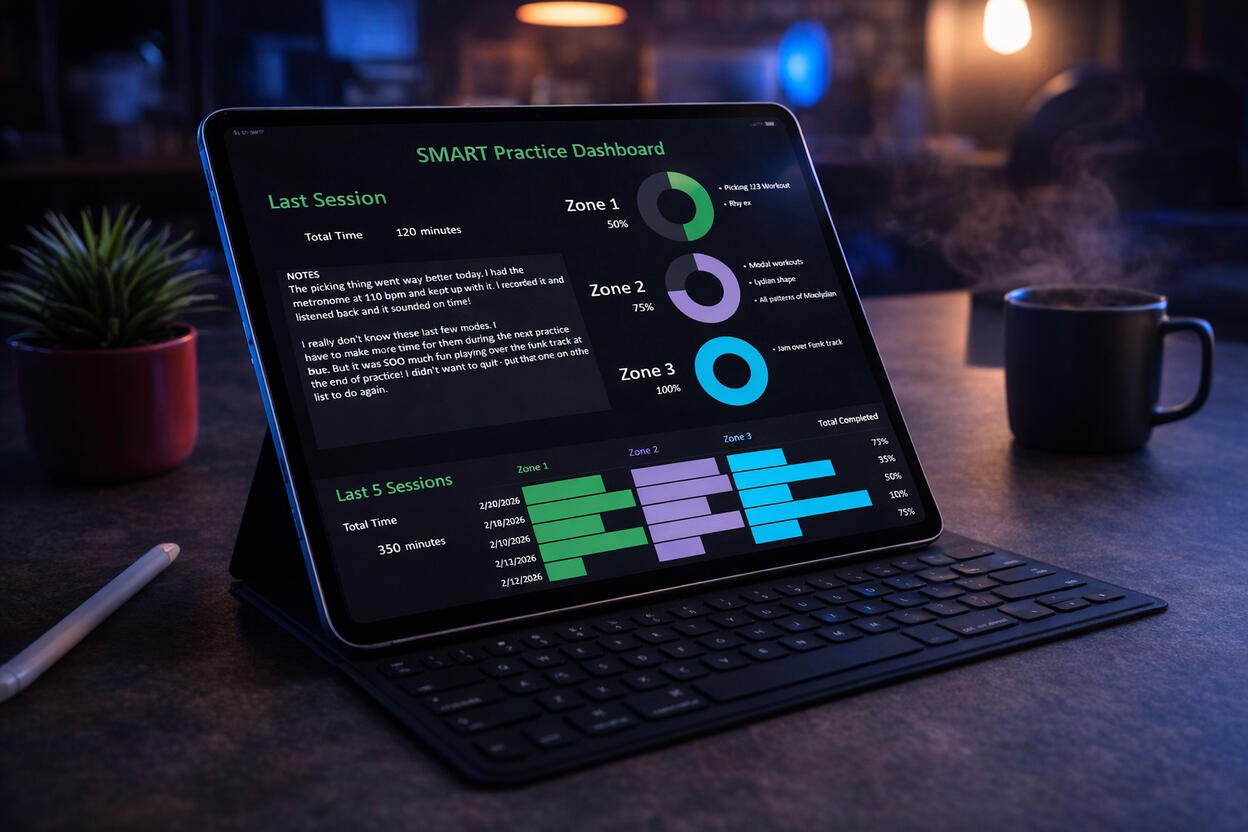
Digital Practice System
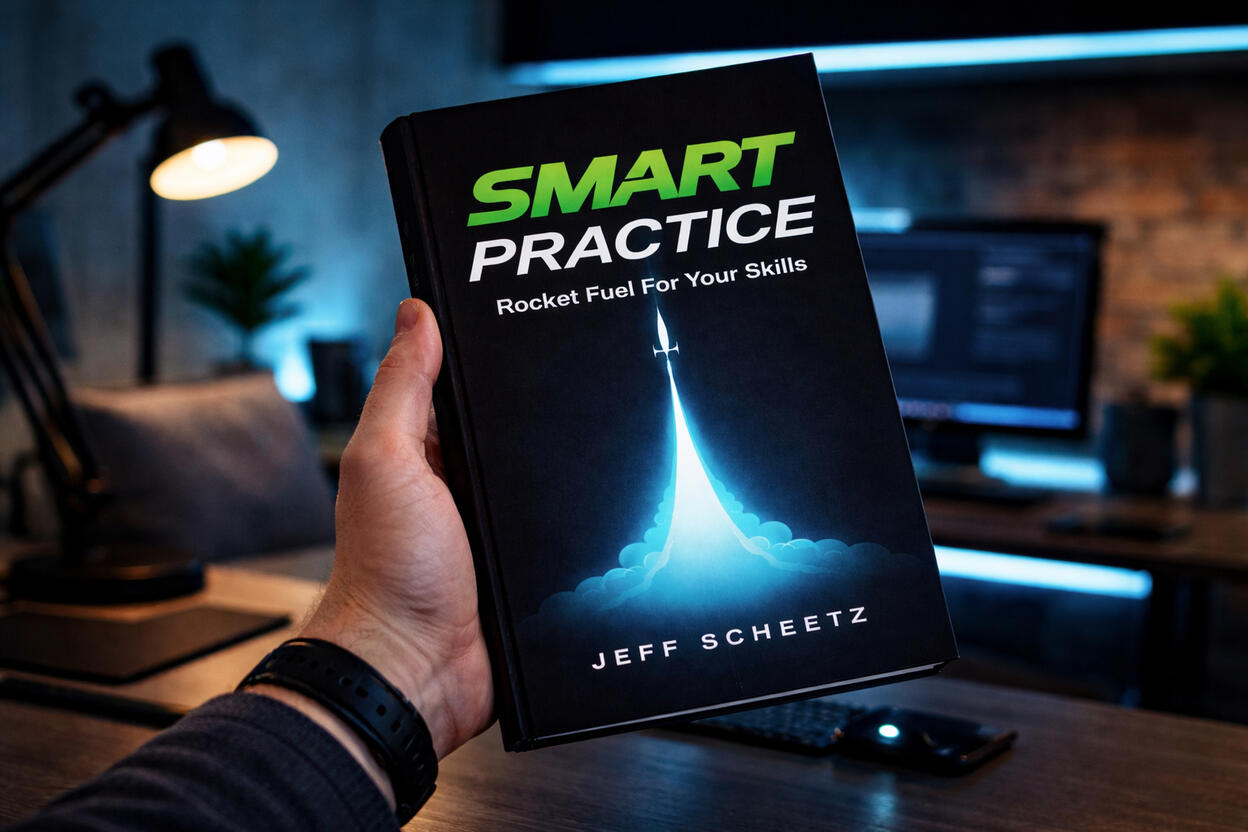
eBook Download PDF (Bundle Only)
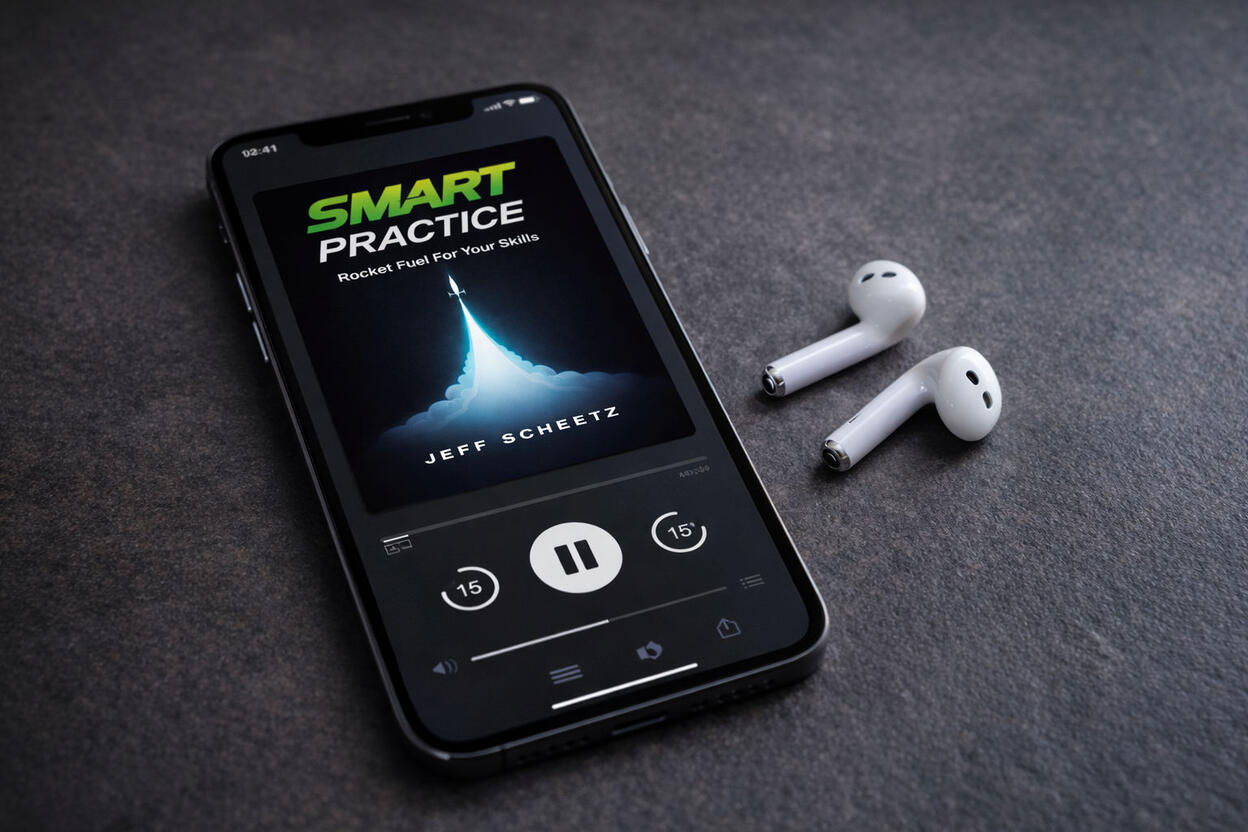
Audiobook Download MP3 (Bundle Only)
Plan → Track → Review → Improve
What people are saying
Real results across music, sports, business, and everything in-between.
“Most practical book on skill improvement I’ve found. For nonfiction on getting better, this is the best I’ve read.”
E. Hegel
Amazon reader
“My two sons use this system for daily soccer practice. They’re excited again—because they’re seeing results.”
B. Sanya
Soccer mom
“Simple, yet very effective for organizing practice and keeping track of progress. If you want to double productivity, this is for you.”
Jouri T.
Musician
“I incorporated these ideas into daily fly-casting practice. Better casting, some nice fish, and a whole lot of fun.”
S. Harrington
Fly fisherman
“Life and business forever changed. I applied this to my business and saw immediate results.”
A.W.
Amazon reader
“If you’ve wondered whether you’re practicing the right thing—or getting the most out of your time—this is for you.”
Adam
Musician
“Great ideas for installing the practice habit into your life.”
Sheridan G.
Dog trainer
“I was wasting my time before. Not now. I started implementing SMART Practice and—wow—I wish I’d known this sooner.”
Mike S.
Amazon reader
FAQ
A few quick answers about the Digital Practice System, the SMART Bundle, and how everything works.
Do I need Excel to use this?
What exactly do I get with the Digital Practice System?
What is included in the SMART Bundle?
Is this only for guitar players?
I already bought the book or took the TrueFire course. Should I still get this?
How do I get access after purchase?
Will it work on my phone, tablet, and computer?
What if I’m not very “spreadsheet” savvy?
Why does Google ask for permission when I click Start Session or Log Session?
That is normal. If you see a warning, click Advanced → Go to SMART Practice → Allow. You should only need to do this once for your copy of the sheet.
Do you offer refunds?
If we can’t resolve the issue, you’ll receive a refund. To keep this fair for everyone, refunds apply to first-time purchases only and may require confirmation that downloaded copies/files have been deleted.
Ready to Practice SMART?
Get the Digital Practice System or grab the SMART Bundle and start building better practice sessions today.